Configuring Search Data Groups
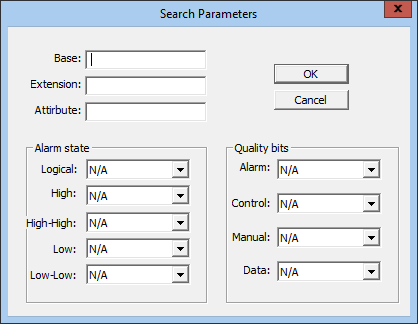
Although similar to signal data groups, search data groups provide filtering options when retrieving data. After clicking Get From RTU for a search data group, the Search Parameters dialog box appears. Enter search criteria in the form of Base, Extension, or Attribute values for signal names, and alarm and quality bit filters, then click OK to continue with the Get command. Wildcard searches or other masks are not supported.
To configure a new Search type data group, see Configuring Signal-Related Data Groups.
|
Search Parameters Dialog Box |